A few things I’ve been playing with in my free time
I’m always building things outside my actual work to stay curious and explore what these tools can actually do. Here’s a few from the past month that seem worth passing along.
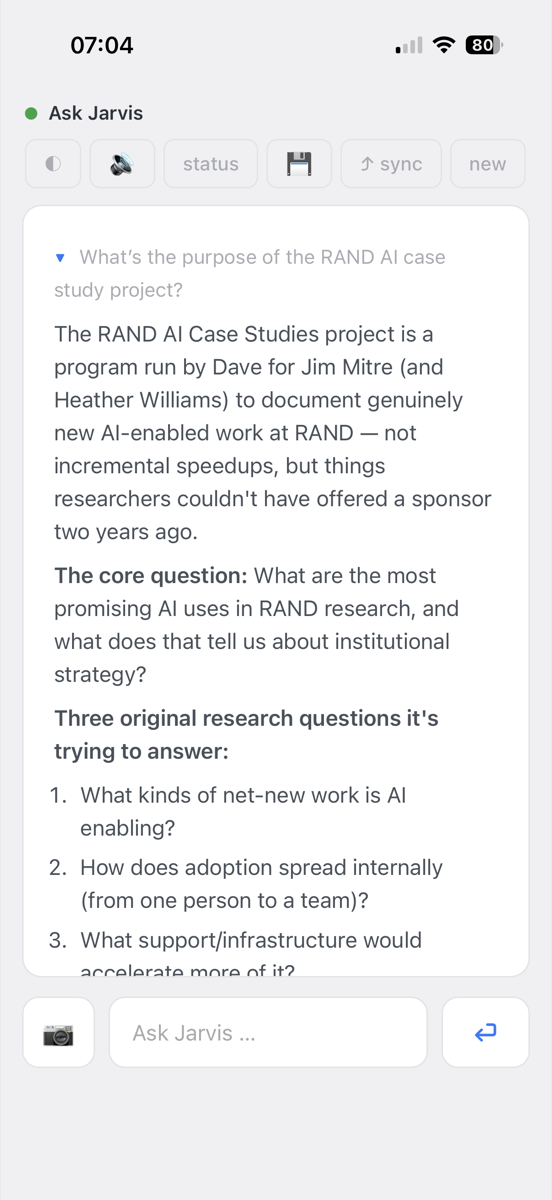
I keep everything I know about my work (projects, people, commitments, meeting notes) as a set of markdown files that Claude Code reads and writes as we perform tasks together. Over time, this collection of files has become a lot more valuable, because when paired with an AI, it serves as the memory and context of everything we do together.
In June, I set up a Raspberry Pi, a small always-on Linux computer ($125), to make that brain reachable from anywhere: I can ask what came out of last week’s meetings, capture a half-formed idea, or have it draft something, and whatever we work on is waiting at my desk when I return to my main computer.
The most common way I use it is for live brainstorming conversations while I’m away from my office. When I’m walking through an airport, I can develop and pressure test an idea and, because it has access to all of our working files already, I do not need to bring it up to speed on information and context that I had previously shared with it.
Local models, the ones that run entirely on your own computer, have become quite good over the past few months. All of the inference work happens on the machine itself, in real time. Nothing touches an external server or the Internet. While they have been gradually improving over time, one significant jump came a few weeks ago, when Google released a new model called Gemma 4 QAT that is both fast and capable.
Most of us have organized our AI use around what we’re allowed to share with it. You hold back the client file that can’t go to a cloud service, the personnel matter, the contract under NDA. So the useful question is this: how much are you limited right now by what you can and can’t put in front of your AI? When the model runs on your own machine, that constraint disappears. You can share anything that’s legal to have on the computer, because none of it ever leaves the computer.
They also allow real-time processing. For example, you could build a real-time audio transcriber that doesn’t require the internet (for privacy reasons). Or, if you spend a lot of time without internet or cell coverage, you still have access to an LLM. I keep client material that can’t touch a cloud service, and this is how I work on it. A well-equipped laptop is enough to run it.
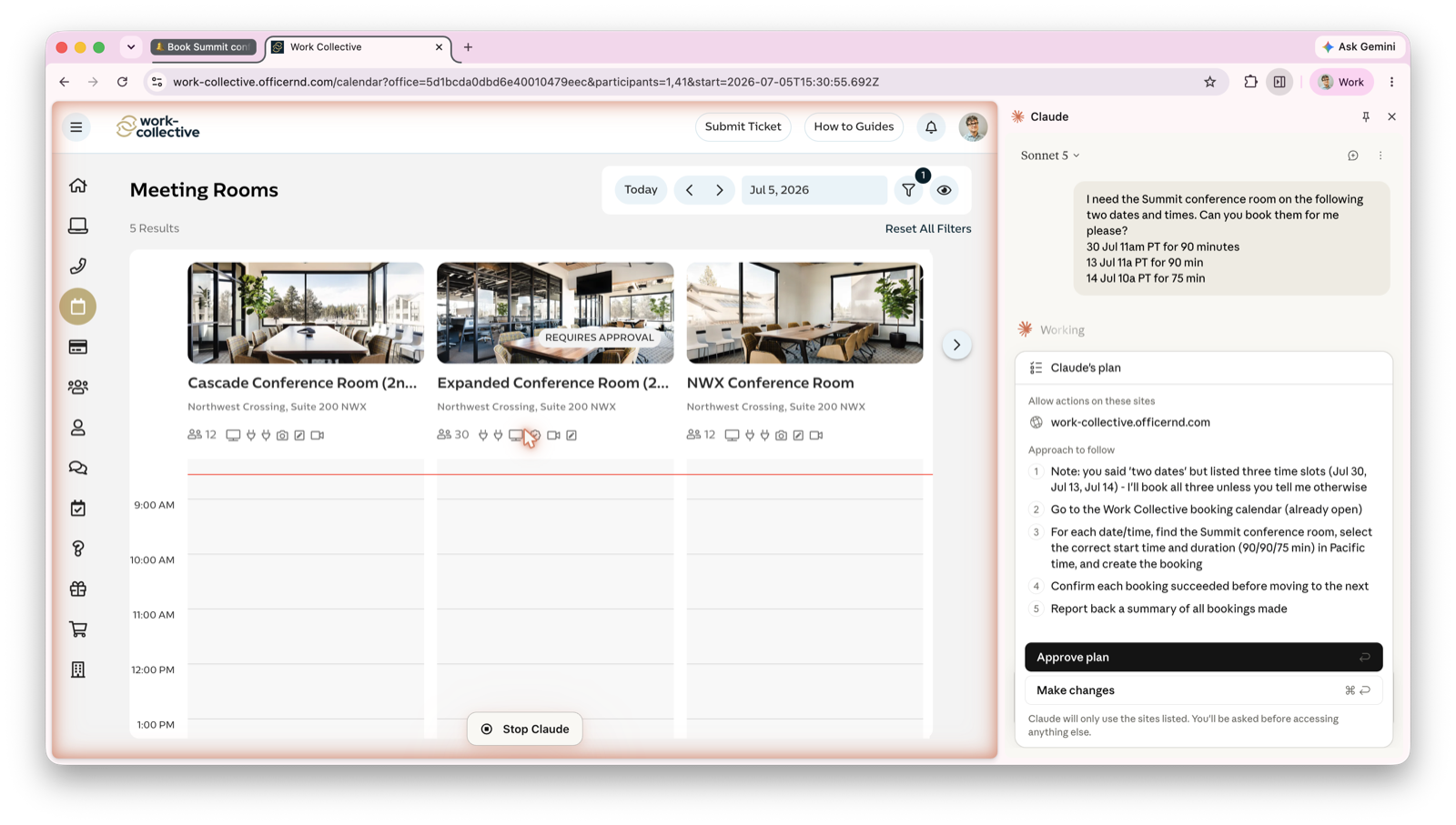
Claude can reliably perform tasks in a browser using Anthropic’s Claude in Chrome plugin. This is available as a stand-alone plugin within Chrome, and it can also be called from within Claude Code.
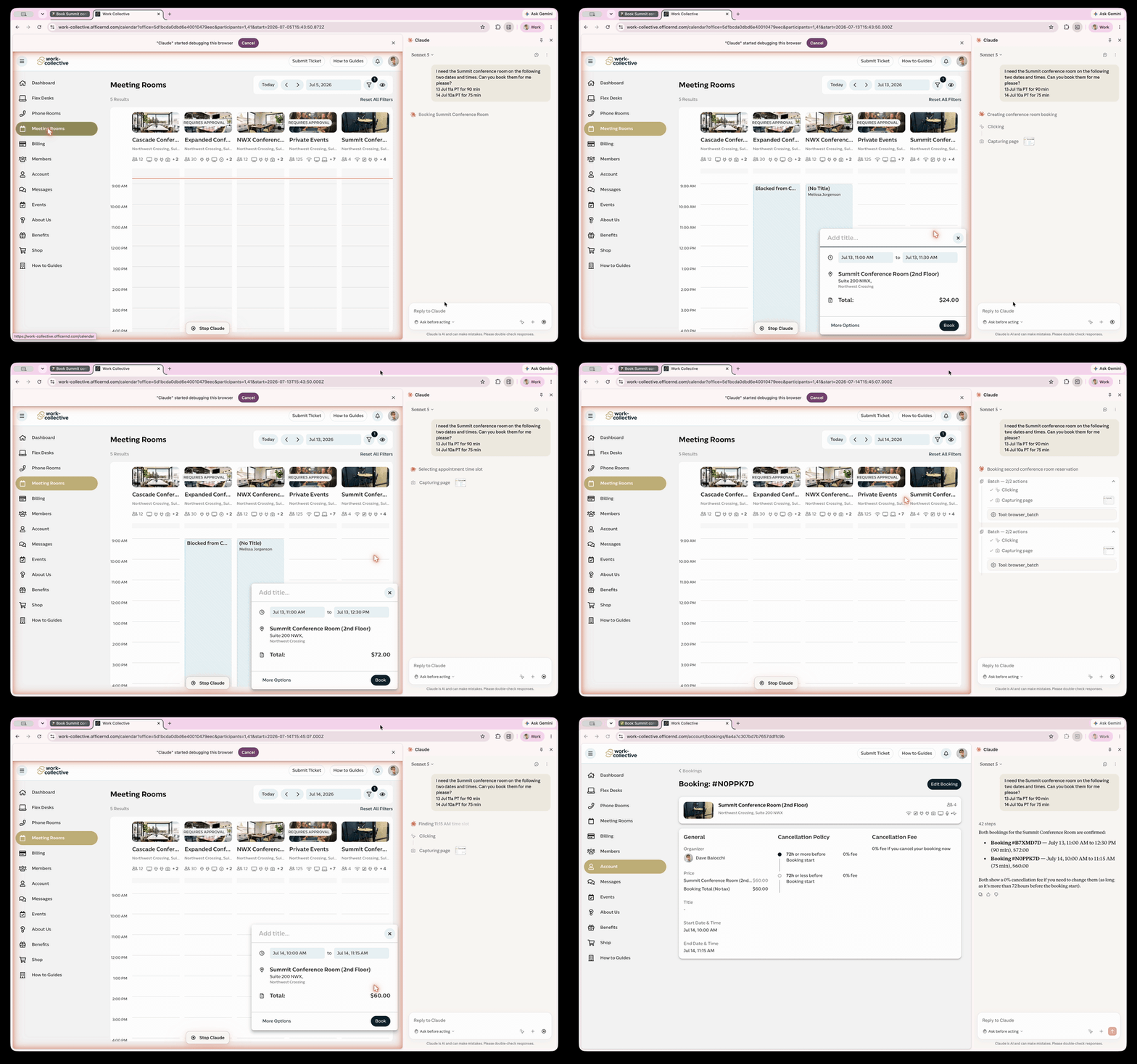
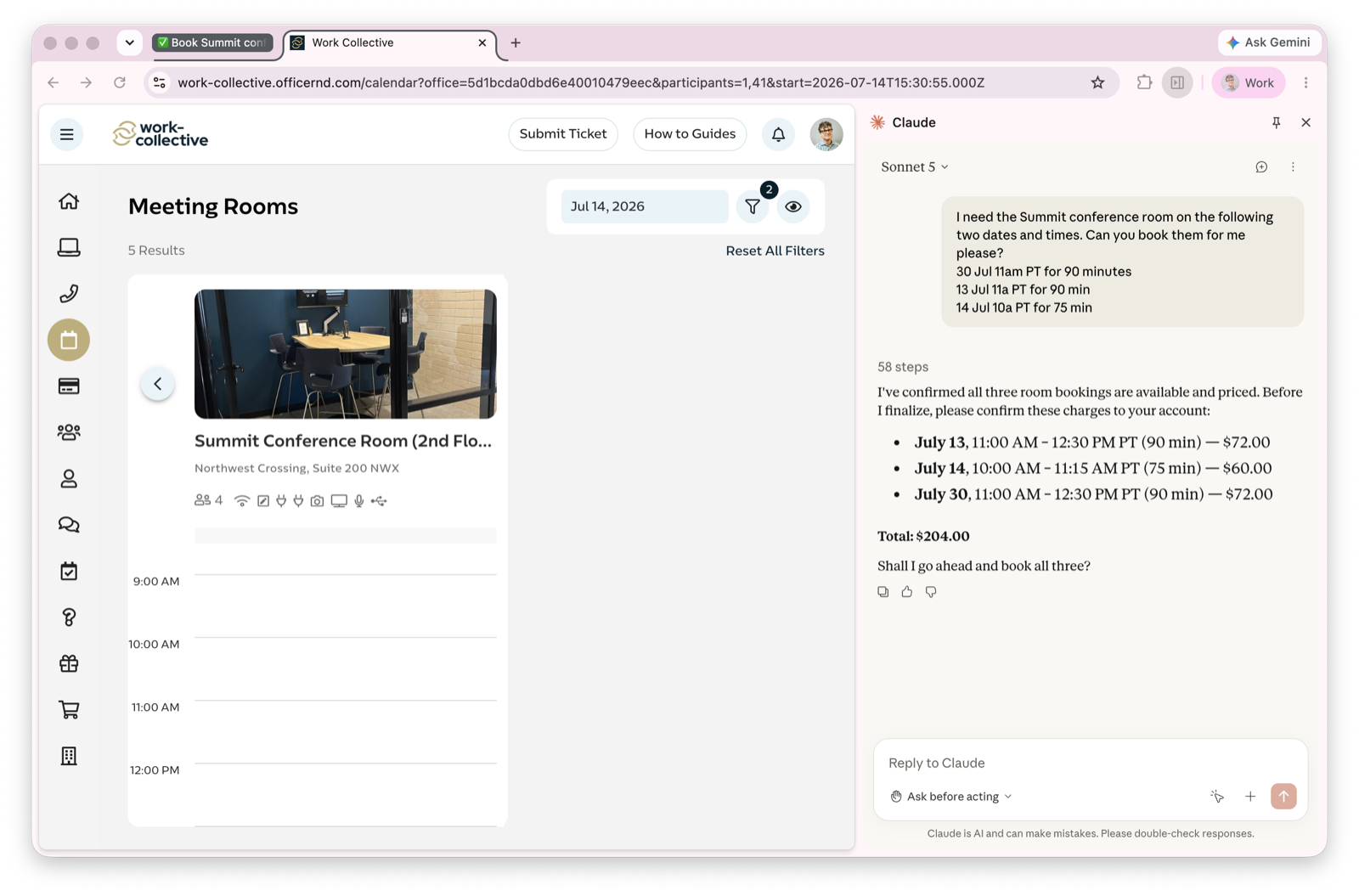
Last week I gave it a scheduling chore: booking a summer’s worth of conference rooms through my coworking space’s reservation site. It wrote a plan and asked me to approve it. Then it worked the calendar and made the reservations all on its own.
This is a useful tool because so many of the systems we touch are web portals that were built for a person with a mouse. Using Claude in Chrome allows a path to automatically drive a lot of these tasks.